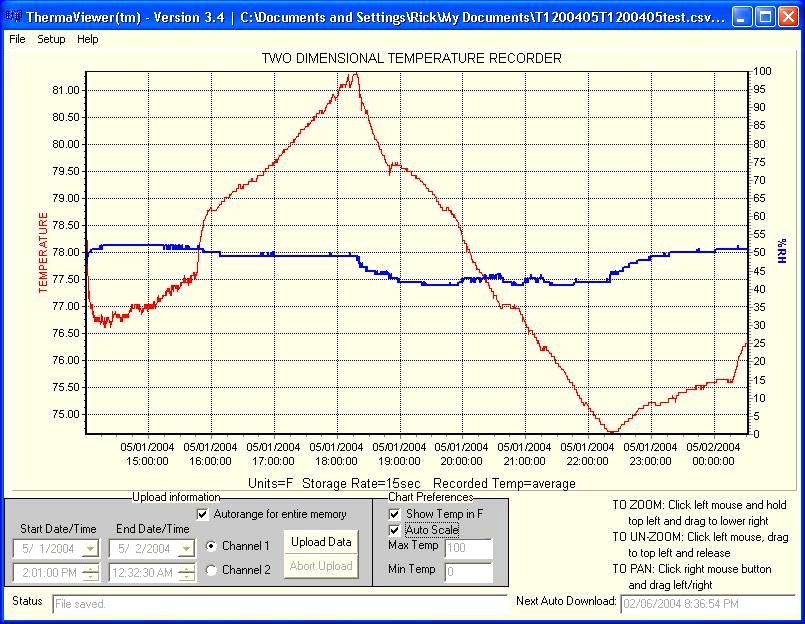
Temperature and RH Graph on a PC
Several different versions of ThermaViewer software are available. The PC backup software available. You must use the one that corresponds to the software installed on your TV2.
To determine which version you have, go to the main system menu on older models (press the ‘enter’ key) or press the reset button with a paperclip on earlier models.
The data displayed on the PC screen can be saved as a file by clicking the “Save data” button and entering a file name. The data will be saved with a TXV extension.
Previously saved data can be viewed by clicking the “Load data” button and entering the file name.
Get a custom quote for your facility's monitoring requirements. Our technicians are ready to assist with sensor configuration, installation, and ongoing support.